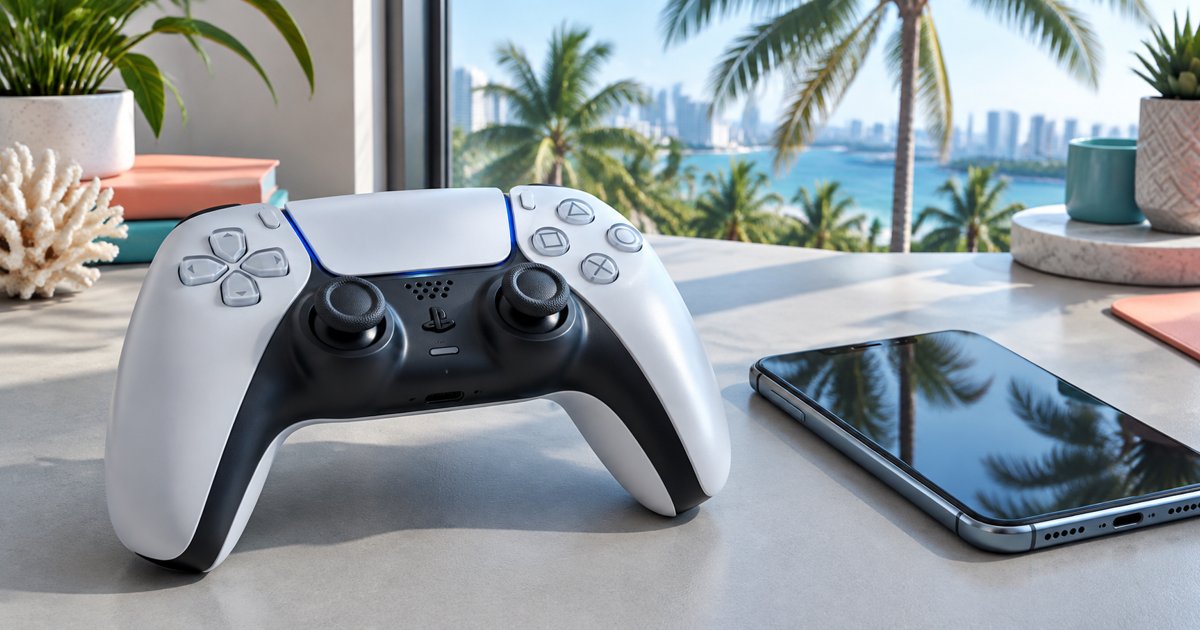
The answer in one minute
| Question | Source-based answer |
|---|---|
| Are cheats reported in the released game? | Yes. PC Gamer and Polygon describe testing them. |
| Can you use them immediately? | Both outlets say the main story must be completed first. |
| Is the whole list officially published by Rockstar? | No Rockstar-published GTA VI cheat list was located in this check. |
| Do cheats affect progress? | Both outlets warn that activating cheats disables saving for the session. Polygon also warns about achievements. |
Unlock the system before trying a code
- According to Polygon, finish the main story, return to your save, then open the Map menu, move to Progression and find Cheats at the end.
- Individual cheats have their own unlock requirements. Earlier activity can count toward these requirements, according to both outlets.
- Check your in-game Cheats menu before entering a sequence. A matching code is not proof that your save has unlocked it.
- Save before experimenting. Do not plan a mission, collectible run or money-making session around cheat-enabled progress.
A small cross-checked PS5 code list
| Reported effect | D-pad sequence | Evidence and limit |
|---|---|---|
| Add $250,000 | Up, Right, Down, Left, Up, Left, Down, Right | Sequence matches PC Gamer and Polygon. The individual unlock requirement is not consistently documented. |
| Drunk | Up, Left, Right, Up, Up, Left, Right, Up, Left, Right | Sequence matches both outlets. Both list spending $2,500 on alcohol as the challenge. |
How Polygon says to enter cheats on PS5
- Press Up on the D-pad to open the in-game phone.
- On the phone home screen, Polygon says to hold L1 and R1 while entering the unlocked D-pad sequence.
- PC Gamer describes the shoulder-button timing differently. If activation fails, recheck your unlock menu rather than repeatedly entering a code during normal play.
- No Xbox activation procedure is asserted here: Polygon explicitly labels its Xbox shoulder-button mapping an assumption rather than a tested result.
Treat this as a short launch-window reference, not an exhaustive code database. Only two unambiguously matching sequences are reproduced. Other entries have disputed unlocks, incomplete inputs or unclear separators in one source; we do not silently repair them. Xbox activation remains unverified here.
Optional controller accessories, not cheat requirements
- You do not need to buy anything to use an unlocked in-game cheat. These products address control layout, charging or listening only.
Best for: Optional PS5 button remapping
Sony DualSense Edge wireless controller
Sony DualSense Edge wireless controller — Sony lists remappable buttons, adjustable stick sensitivity and dead zones, and quick-switch control profiles. It is an optional PS5 upgrade if reaching certain controls is uncomfortable. It does not unlock cheats, skip challenges or change a game's saving rules. Keep your existing controller if its layout already works for you.
- Remappable controls
- Saved control profiles
- Adjustable stick and trigger settings
- Not required for GTA 6
- Not an Xbox controller
Best for: Optional PS5 charging convenience
Sony DualSense Charging Station
Sony DualSense Charging Station — Sony's charging station docks up to two DualSense or DualSense Edge controllers without using the PS5's USB ports. It is useful if you already rotate compatible controllers during longer sessions. Controllers are sold separately. Charging convenience has no connection to in-game money, cheats or progression, and buying a second controller is not necessary for this single-player game.
- Charges two compatible controllers
- Leaves console USB ports free
- Supports DualSense and DualSense Edge
- Controllers sold separately
- Only useful for compatible PlayStation controllers
Best for: Optional wired PS5 or Xbox listening
HyperX Cloud III Wired
HyperX Cloud III Wired — HyperX lists PS5 and Xbox Series X|S compatibility, memory-foam cushioning and a detachable microphone. Use the controller's 3.5mm headset jack for a straightforward console connection, particularly on Xbox. This is the Wired model, not a similarly named wireless version. HyperX notes that PC software settings do not carry over when the headset moves to another system.
- 3.5mm controller connection
- No headset battery to recharge
- Detachable microphone
- Cable limits movement
- PC software features do not carry over to consoles
Sources
- rockstargames.com — source
- pcgamer.com — source
- polygon.com — source
- playstation.com — source
- playstation.com — source
- direct.playstation.com — source
- hyperx.com — source
Related GTA 6 guides
- GTA 6 Beginner Money Guide: Protect Your Cash Before Chasing Big Payouts
- GTA 6 Secrets and Easter Eggs: What Is Actually Confirmed?
- GTA 6 PS5 Settings Guide: HDR, 3D Audio and Controller Setup
- GTA 6 PS5 Storage Guide: Space Requirements, M.2 SSDs and USB Limits
- GTA 6 Standard vs Ultimate: Platforms, Extras and What You Actually Need
Build your setup
FAQ
Has Rockstar released official GTA 6 cheat codes?
We did not find a Rockstar-published GTA VI code list in the official pages checked on November 20, 2026. PC Gamer and Polygon have published their own tested reporting; that is a different source category.
Is there a GTA 6 money cheat?
PC Gamer and Polygon both list the $250,000 sequence shown above. Do not assume you can use it before completing the story or meeting its individual unlock condition.
Can I save after activating cheats?
Both cited outlets say saving is disabled for the rest of the play session. Save first and do not rely on cheats to preserve mission or challenge progress.
Are these Xbox button combinations?
No. The activation instructions are scoped to PS5. We have not verified an Xbox equivalent.
Do I need a cheat app or special controller?
The cited system uses the in-game phone and controller inputs. None of the accessories here is required or unlocks a code.