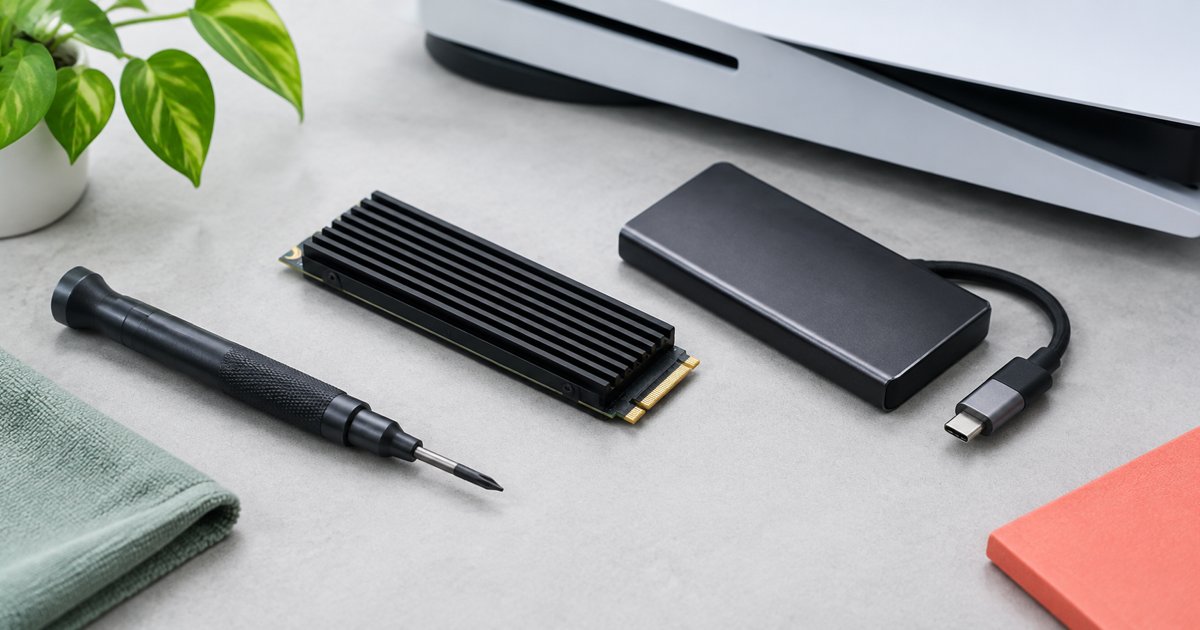
Which storage route fits?
| Option | Can launch PS5 games directly? | When to choose it |
|---|---|---|
| Existing internal console SSD | Yes | You can free enough space without buying anything. |
| Compatible installed M.2 NVMe SSD | Yes | You want more games installed and playable at once. |
| USB extended-storage drive | No, not for PS5 games | You want an archive and accept copying games back before play. |
Three heatsink-equipped M.2 options
| Pick | Reason to shortlist | Variant to verify |
|---|---|---|
| Samsung 990 PRO with Heatsink 2TB | Samsung explicitly lists PS5 compatibility | 2TB version with heatsink, not bare drive. |
| WD_BLACK SN850P for PS5 2TB | Official PlayStation licensing and PS5-slot heatsink | SN850P 2TB, not an unrelated WD model. |
| Seagate Game Drive PS5 NVMe SSD 2TB | Official PlayStation licensing and custom heatsink | Internal PS5 NVMe product, not external USB Game Drive. |
Best for: PS5-compatible heatsink-equipped option
Samsung 990 PRO with Heatsink 2TB
Samsung 990 PRO with Heatsink 2TB — Samsung explicitly labels this 2TB PCIe 4.0 NVMe model PS5 compatible and advertises sequential reads up to 7,450MB/s. Select the version with the heatsink, not the bare-drive listing. Its job is to add playable PS5 storage; the advertised speed is not a GTA 6 frame-rate or load-time benchmark. Installation and initial formatting are still required.
- Samsung lists PS5 compatibility
- Heatsink included in this variant
- 2TB capacity
- Bare-drive variant is different
- Formatting erases existing drive data
Best for: PlayStation-licensed storage option
WD_BLACK SN850P for PS5 2TB
WD_BLACK SN850P for PS5 2TB — Sandisk lists the WD_BLACK SN850P as officially licensed for PS5, with a heatsink designed for the console's M.2 slot. The 2TB model is specified at up to 7,300MB/s sequential reads. Choose the SN850P PS5 version and the intended capacity. Licensing and advertised transfer speed do not establish that GTA 6 runs faster than on the console's internal SSD.
- Officially licensed for PS5
- PS5-slot heatsink
- Games run directly from the installed drive
- Requires internal installation
- Do not confuse it with other WD_BLACK models
Best for: Alternative PlayStation-licensed drive
Seagate Game Drive PS5 NVMe SSD 2TB
Seagate Game Drive PS5 NVMe SSD 2TB — Seagate describes this internal NVMe product as officially licensed by PlayStation, with a custom heatsink and support for playing PS5 games directly from the installed drive. Its product page includes a 2TB option. Check for PS5 NVMe in the listing: a Seagate external USB Game Drive is a different product and cannot launch PS5 games directly on the console.
- Officially licensed by PlayStation
- Pre-fitted custom heatsink
- Direct PS5 game playback
- Internal installation required
- USB Game Drive is not interchangeable
PS5 M.2 requirements to check before ordering
- Sony specifies a supported PCIe Gen4 x4 M.2 NVMe drive using Key M; M.2 SATA is not supported.
- Supported capacity is 250GB to 8TB, and Sony recommends sequential reads of 5,500MB/s or faster.
- Effective heat dissipation is required. The overall installed assembly must fit Sony's size limits, including a maximum 25mm width and 11.25mm total thickness.
- Follow the official installation instructions for your console model, with the system shut down, cables removed and the console cooled.
- Initial formatting erases existing data on the new drive. Do not install a drive holding anything you still need without a separate backup.
Capacity and return-risk checks
- Check free space on the console first. Removing an unused game might solve the problem at no cost.
- Choose capacity for your wider library and future updates, not a fixed promise about how many copies of GTA 6 fit.
- Compare current offers for the exact model and heatsink variant. No fixed price ranking is claimed here.
- Before buying, check seller identity, warranty region and the exact listing's return terms, especially for an opened or installed drive. No Amazon return window is assumed.
- PS5 M.2 expansion is not interchangeable with Xbox Series expansion storage. These are PS5 recommendations.
Do not buy an external USB SSD expecting to launch the PS5 version of GTA 6 from it. Sony explicitly distinguishes PS5 archiving on USB from direct playback on console or compatible M.2 storage.
Sources
- playstation.com — source
- playstation.com — source
- playstation.com — source
- samsung.com — source
- sandisk.com — source
- seagate.com — source
Related GTA 6 guides
- GTA 6 Cheats on PS5: Reported Codes, Unlock Rules and Saving Warnings
- GTA 6 Beginner Money Guide: Protect Your Cash Before Chasing Big Payouts
- GTA 6 Secrets and Easter Eggs: What Is Actually Confirmed?
- GTA 6 PS5 Settings Guide: HDR, 3D Audio and Controller Setup
- GTA 6 Standard vs Ultimate: Platforms, Extras and What You Actually Need
Build your setup
FAQ
Is GTA 6 exactly 212GB on every console?
No such claim is made here. PlayStation's launch page asks PS5 owners to clear a minimum of 212GB. That is not a verified Xbox size, universal download size or permanent post-update install size.
Can I play the PS5 version from a USB SSD?
Sony says PS5 games cannot launch from USB extended storage. Copy them back to console storage or a compatible installed M.2 SSD first.
Do I need a heatsink?
Yes. Sony requires effective heat dissipation for the M.2 expansion. The listed variants include a heatsink.
Will one of these SSDs make GTA 6 run at a higher frame rate?
No GTA 6 frame-rate advantage is established here. The recommendation is about compatible capacity, not FPS.
Do these drives work as Xbox Series storage upgrades?
Not as interchangeable console expansion solutions. This guide is specifically for the PS5 M.2 slot.